
New
Privacy First
Budgeting & DebtBeginner
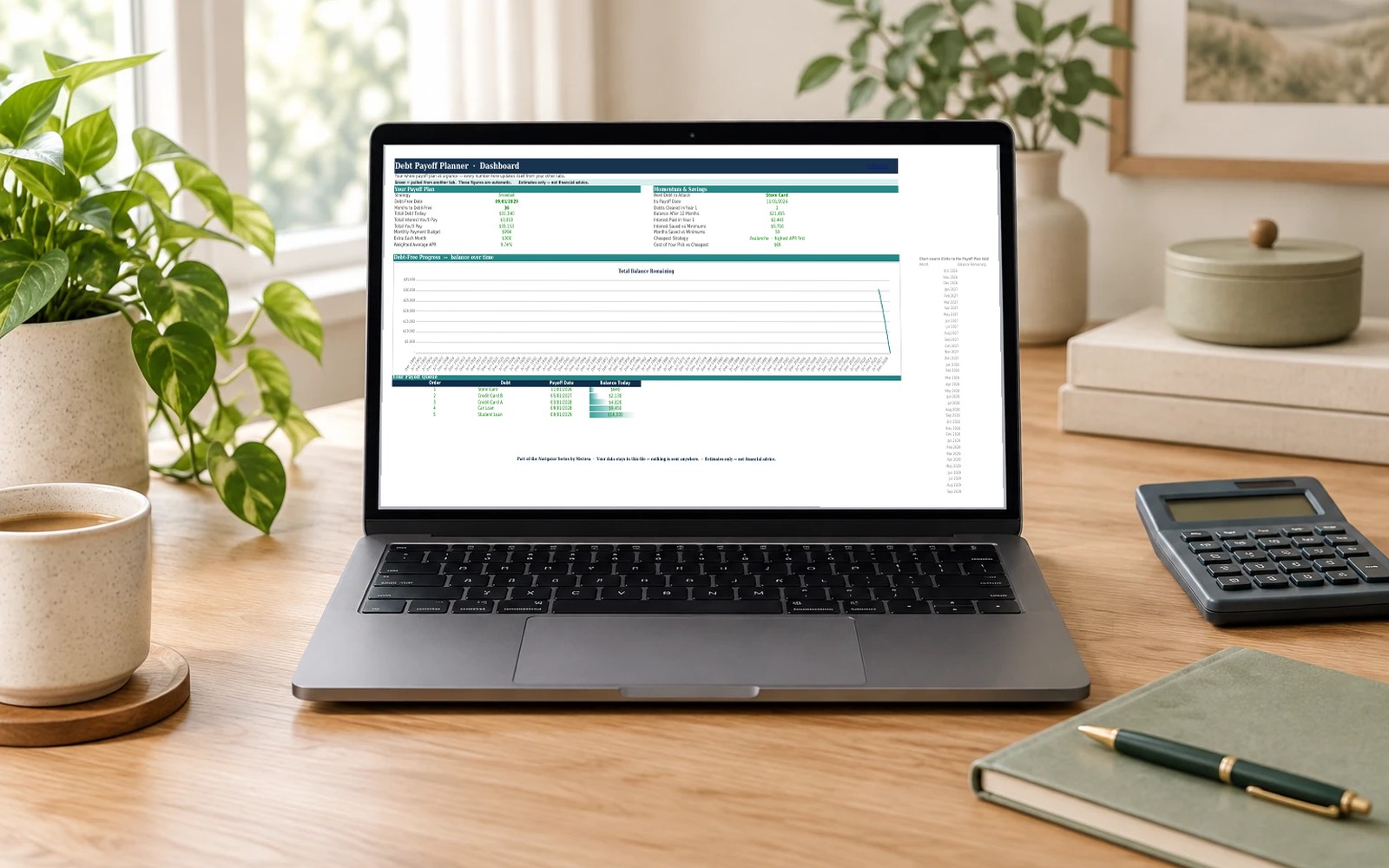
Debt Payoff Planner
Snowball, avalanche or your own order — see exactly when you'll be debt-free. A focused payoff planner with a month-by-month schedule and side-by-side strategy comparison.
Excel
$19
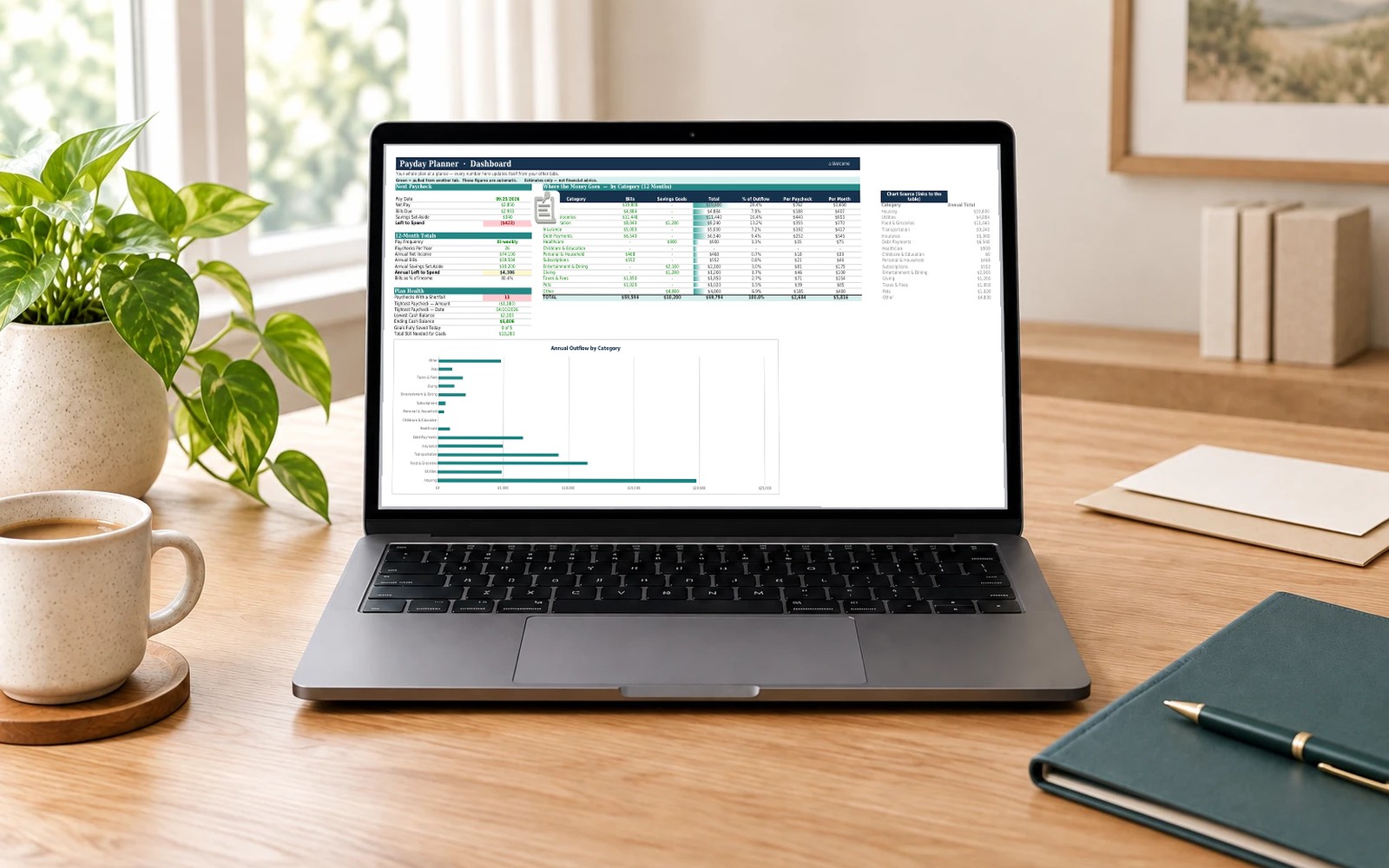
Know exactly which bills to pay from every paycheck — and what's left. A focused payday-by-payday budget with a 12-month bill calendar, sinking funds, and shortfall warnings.
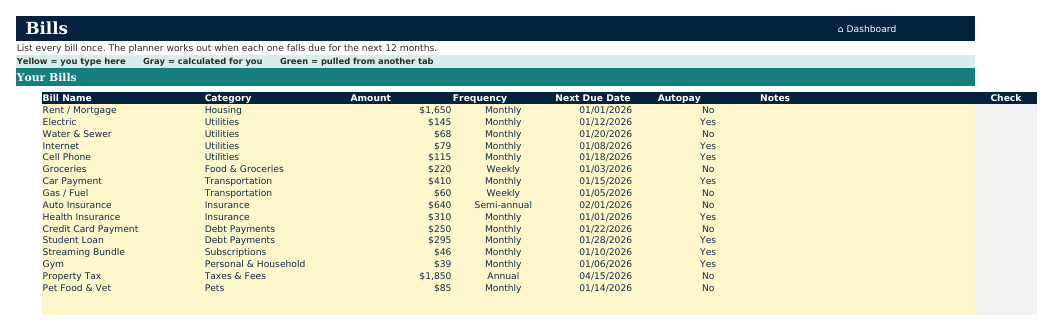
The Payday Budget Planner answers the one question that matters every payday: which bills come out of this paycheck, what moves to savings, and what's actually left to spend. Set your pay frequency and take-home pay once, list your bills, and the workbook assigns every bill to the paycheck that will cover it.
A 12-month rolling calendar forecasts your running cash balance and flags any paycheck heading for a shortfall before it hits, while sinking funds turn the big irregular costs — insurance, registration, the holidays — into a small amount set aside each payday.
Your data stays in this file — nothing is sent anywhere.
Features
Every working sheet in Payday Budget Planner. Click a sheet to zoom, or use the arrow keys.
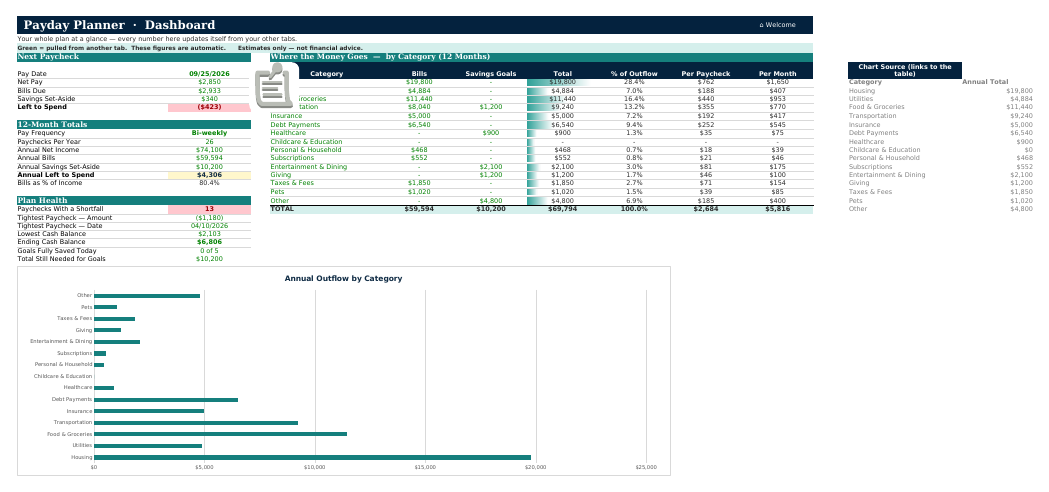
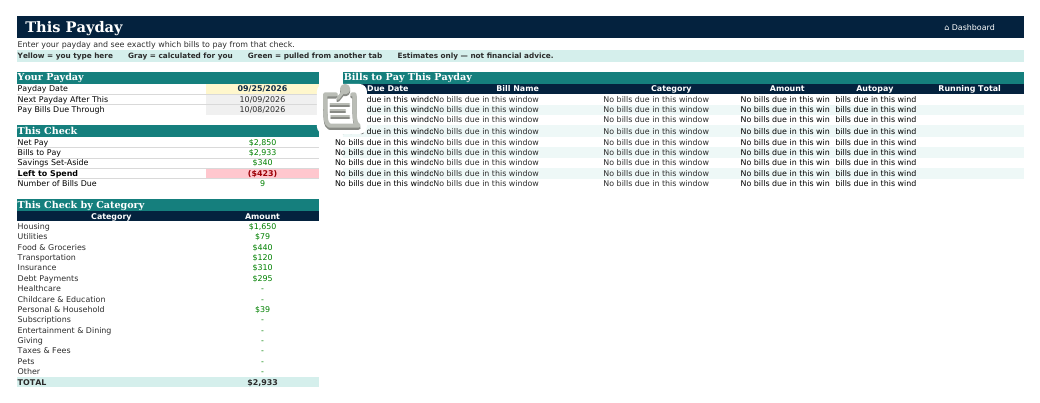
Your whole plan on one screen: what's left to spend this payday, the 12-month totals by category, and a heads-up on any paycheck heading for a shortfall.
Figures shown are sample data, not your numbers.
Benefits
If you're paid weekly, bi-weekly, or on an uneven schedule, a monthly budget hides the tight weeks. This planner assigns every bill to the payday that covers it, so you see the real picture.
The running cash-balance forecast flags any paycheck that can't cover its bills weeks ahead of time, while you still have room to move something.
Sinking funds break the big once-a-year costs into a little set aside each payday, so insurance and the holidays arrive already paid for.
Honest fit matters more to us than a sale — ask us before you buy and we'll tell you straight.
What's included
Questions
Microsoft 365 or Excel 2021 or newer, on Mac or Windows. The This Payday tab uses modern dynamic-array formulas to build your bill list automatically, and those aren't available in Excel 2019 or earlier. Every other tab works, but that one is the heart of the planner.
The Payday Budget Planner does one job — payday-by-payday bill planning — and does it simply. The Budget & Debt Navigator is the full system: four budgeting methods, debt payoff, a savings center, net worth and more. If you only want to line your bills up against your paychecks, start here; you can always move up later.
No. Everything is pre-built — formulas, charts, and dashboards are ready to go. You only type into clearly marked input cells (they’re highlighted), and a Welcome tab walks you through setup in about ten minutes.
Yes. The workbook is a standard Excel file (.xlsx) that works on Mac, Windows, and Excel for the web. Microsoft 365 is recommended for the best experience.
The workbooks are designed and tested for Microsoft Excel. Google Sheets can import .xlsx files, but some advanced formulas and charts may not convert perfectly, so we don’t officially support Sheets at this time.
Completely. This is a file you own, on your computer. There’s no account, no cloud sync, and no data collection — your numbers never leave the workbook.
Because these are digital files with immediate access, purchases are generally non-refundable once downloaded. If you hit a technical issue or a broken formula, email us within 30 days and we'll make it right.
v1.0September 17, 2026
Ideas we’re considering for future editions — not a commitment, and not included with this purchase.
Roadmap items ship when they're ready — no timeline promises.
Instant download. If something is broken or not as described, we'll make it right. Personal-use license included with every purchase. Commercial licenses available. Questions before you buy? We answer fast.
Pairs well with
Snowball, avalanche or your own order — see exactly when you'll be debt-free. A focused payoff planner with a month-by-month schedule and side-by-side strategy comparison.
Excel
$19
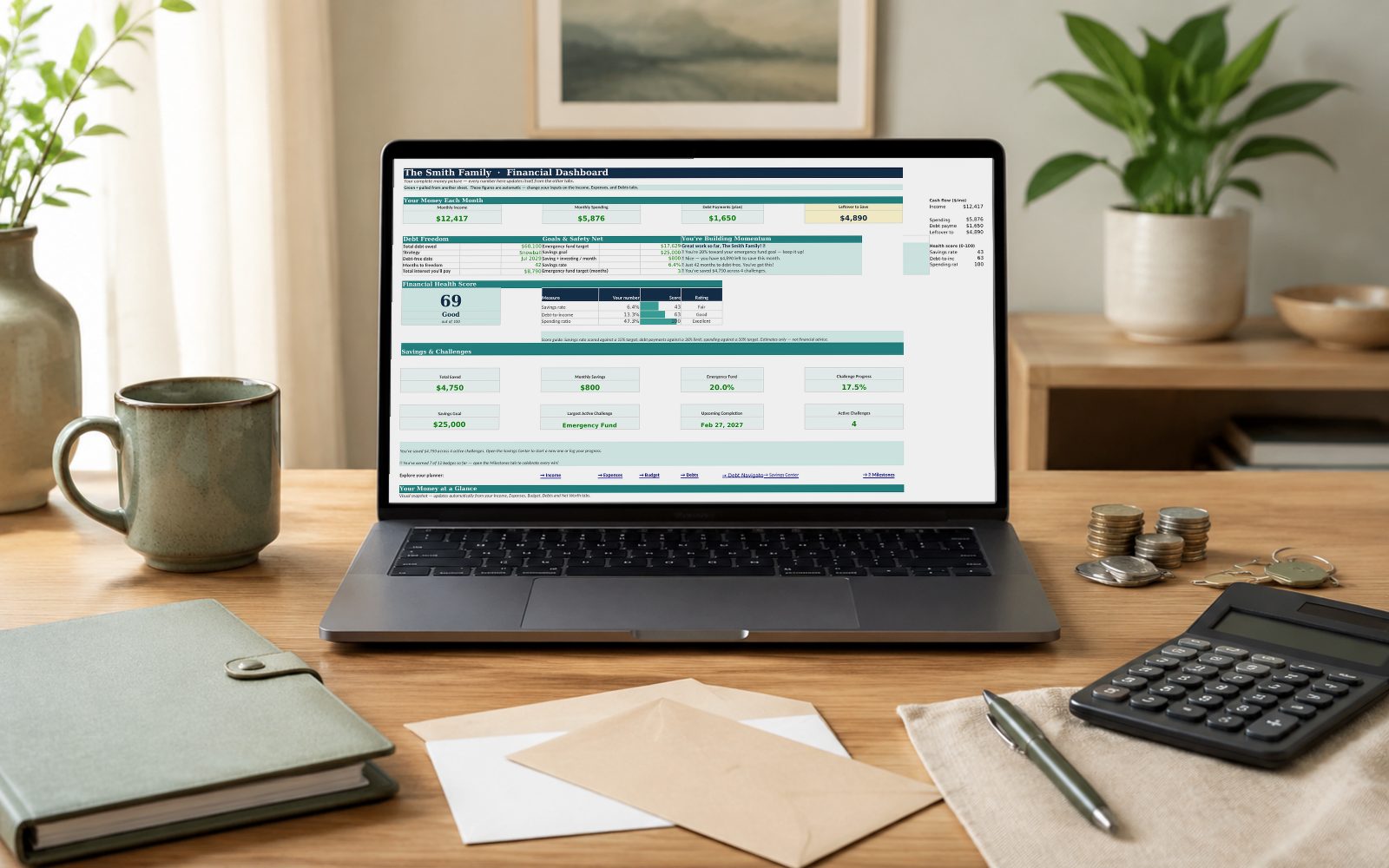
A complete personal financial planning system — pick your budgeting method, crush debt with snowball or avalanche, and make saving actually fun.
Excel
$34